
agents that watch you work and work for you in the background
screenpipe records your screen and microphone 24/7, 100% locally, and lets agents work for you based on what you do
how it works
capture
runs on your computer — records screen & audio 24/7. works with macOS, Windows, and Linux.
index
everything stays on your machine. searchable, queryable, private. compatible with any AI model — local, cloud, or self-hosted.
pipe
a pipe tells screenpipe what to do with your data. CRM updates, meeting notes, expense tracking — one click to install.
automate
runs continuously in the background. your team gets structured data without lifting a finger.
one recording.
infinite automations.
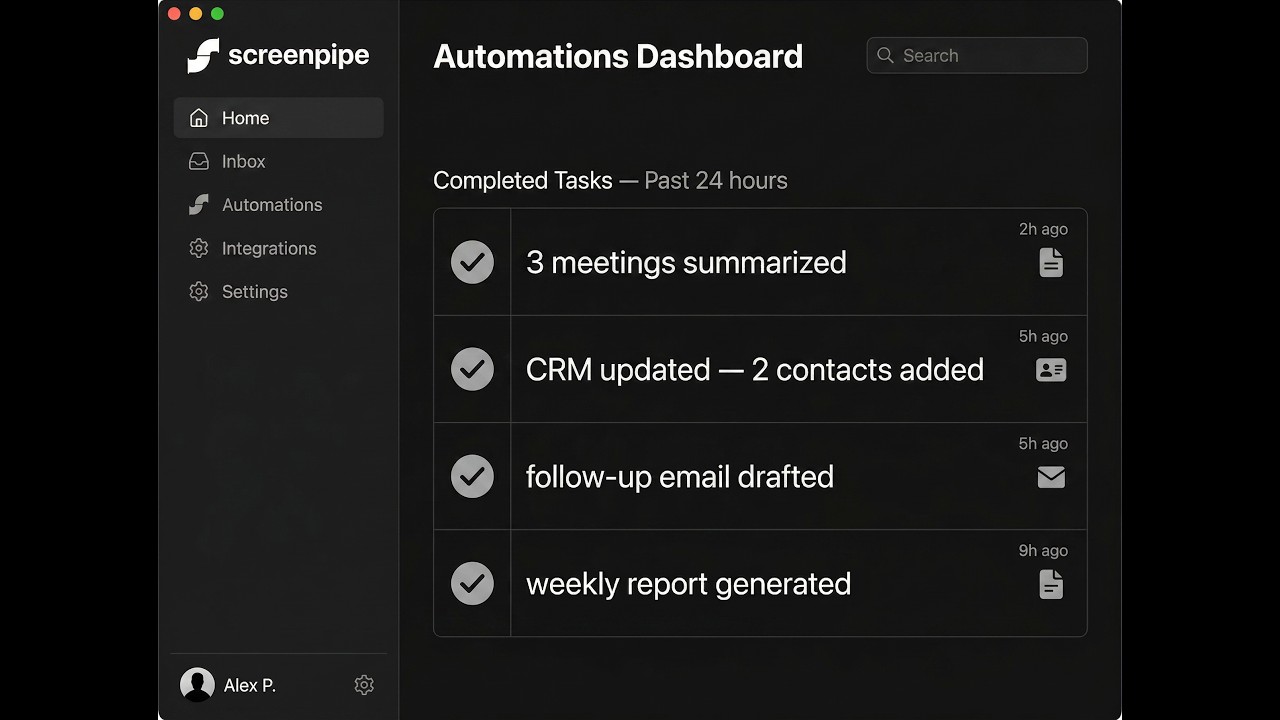
pipes run in the background and produce real results. install with one click or create your own in minutes.
after a 30min client call
sarah@acme.co → matched in HubSpot
discovery → negotiation
discussed Q3 rollout, budget approved
send proposal by friday, schedule demo
task created → due mar 28
this is what screenpipe does in the background while you work
see screenpipe in action
watch how screenpipe transforms the way you interact with your digital life
Screenpipe Full Demo
Complete walkthrough of Screenpipe's features and capabilities
Search your memory
Find anything you've seen or heard — speaker identification, screen text, all in under 2 seconds
Find anything in seconds · Search screen text & audio transcriptions · ⌘+Ctrl+K to launch
Ask AI about your digital life
Instant answers from everything you've seen, heard, and done. With video playback and source references.
Powered by local AI · Your data never leaves your device
Runs on your machine. Stays on your machine.
Your data never leaves your device
Storage calculator
See your actual usage
1 hour of data
Ultra-optimized compression
PII auto-removed
Before sending to AI
Stored locally
Never uploaded to cloud
Frequently asked questions
What is screenpipe?
Screenpipe records your screen and audio 24/7 and lets you pipe that data into automations. Install pipes from the store — CRM updates, meeting notes, daily digests — or create your own pipe.md in minutes. Built in Rust, runs 100% locally.
What are pipes?
A pipe is a markdown file (pipe.md) with a prompt and a schedule. An AI agent reads your screen & audio data and executes the instructions — updating your CRM, transcribing meetings, tracking expenses, monitoring competitors. Install with one click from the pipe store, or write your own pipe.md in minutes.
How much does screenpipe cost?
Screenpipe is a one-time purchase: $400 for a lifetime license, or $600 for lifetime plus one year of pro features (cloud AI, cloud sync, cloud transcription). No recurring fees for the core app.
Is my data private?
Yes. All screen recordings, audio transcriptions, and pipe data are stored locally on your device. Nothing leaves your machine unless you explicitly enable optional cloud features. The code is MIT-licensed and open source.
What platforms does screenpipe support?
macOS (Intel and Apple Silicon), Windows, and Linux.
How is screenpipe different from Zapier or n8n?
Zapier and n8n connect apps to apps. Screenpipe connects your actual work to automations. It sees your screen, hears your audio, and understands context — no manual triggers needed. Your CRM updates after a call because screenpipe was listening, not because you clicked a button.
Learn more
STILL NOT SURE THAT SCREENPIPE IS RIGHT FOR YOU?
Let ChatGPT, Claude, or Perplexity do the thinking for you.
Click a button and see what your favorite AI says about Screenpipe.
Power AI with your desktop history
get updates on screenpipe news and releases
or join our discord — 10k+ members
